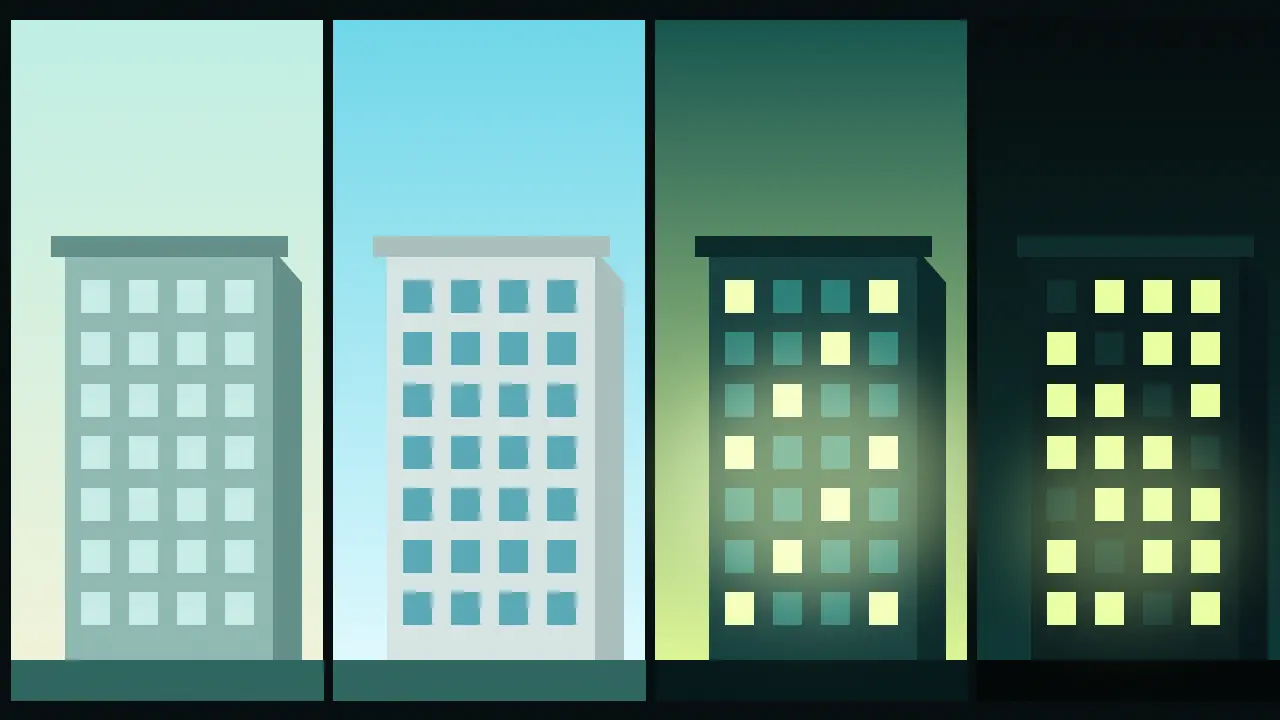
Imagine a small public library on a hillside: concrete, long glass windows, a flat roof you can walk on. The architect has a form and not yet a mood. The client wants to see it at the time of day when people will use it, and an hour of rendering software per time of day is not in the budget. This is a workflow for getting four convincing atmospheres out of one picture, using an image-edit model, and it works the same on a pavilion, a house or a bridge.
Step 1: make the building you will keep
Everything later depends on this first image, so spend your effort here, not on the variations. Generate it in soft, even light, because a neutral base takes new light more kindly than one with strong shadows already painted in. A model with fine composition control such as Flux 3 is a sound choice. Choose a wide ratio and render several candidates small before you commit to a larger version of the one you like.
A small public library on a grassy hillside, board-formed concrete walls, long horizontal glass windows, a flat roof with a thin overhang, a gravel path leading to the entrance, soft overcast daylight, architectural visualisation, wide frame, no peopleStep 2: relight, do not redesign
Now switch to an image-edit model. Nano Banana 2.1 Edit takes your picture as an input and a prompt that says what to change. Write that prompt like an instruction to a lighting crew. Start with what must stay, then give the new hour, then the new light. Leave the architecture out of the second half completely; every word you add about the building is an invitation to alter it.
Keep the building, the hillside, the path and the camera angle exactly as they are. Change only the light: first light at dawn, low sun behind the building, thin mist on the grass, cool blue-pink sky, interior lights still on and warm.Keep the building, the hillside, the path and the camera angle exactly as they are. Change only the light: blue hour after sunset, deep teal sky, every window glowing warm from inside, a few lamps along the gravel path, wet ground reflecting the glow.Do noon and night the same way, always from the original picture and never from a previous relight. Editing an edit stacks small errors: windows shift a little each pass, and by the fourth version you have a different building.
Step 3: check the list that always drifts
- Window count and rhythm. Count them on every version. This is the first thing to wander.
- Roofline and overhang. Thin edges get thicker or thinner under new light.
- Entrance. Doors move, steps change number.
- Material. Concrete picks up a gloss at night; ask for "matte concrete" if it does.
- Any sign or lettering. Treat all text in a render as unreliable.
If one item has drifted, re-roll that version from the original. If two have, the instruction is too loose: shorten it and restate what stays.
Step 4: pick your finals, and only then go large
Do all the exploring at the lowest resolution. When the four moods are right, re-run only the ones that will go in the presentation at a higher setting. The edit model offers 1K, 2K and 4K output tiers, and the price is on the Generate button before each run, which makes it easy to decide what a final deserves. The studio keeps every render in your library so you can compare the set side by side.
What this will not do
A relit picture is a convincing impression, not a lighting study. It does not know where the sun is at three in the afternoon in a given city, and it will not tell you whether a room is bright enough to read in. If a client needs sun angles or daylight numbers, those come from proper modelling software. What this workflow gives you is the mood: the thing a client reacts to first and a spreadsheet never shows.
For the vocabulary behind each of those four prompts, see how to prompt light for landscape renders and the list of weather and sky words.
Questions
Why edit the original every time instead of the previous version?
Each edit changes a few details. Chained edits add those changes up, so the fourth version no longer matches the first.
Can I use a photo of a real site as the starting image?
Yes, the edit model takes an input image. Only use pictures you have the right to use, and expect the same drift checks to apply.
Does the edit model accept more than one reference?
Its page lists support for several reference images. A second picture of the same building from another angle can help hold details steady.