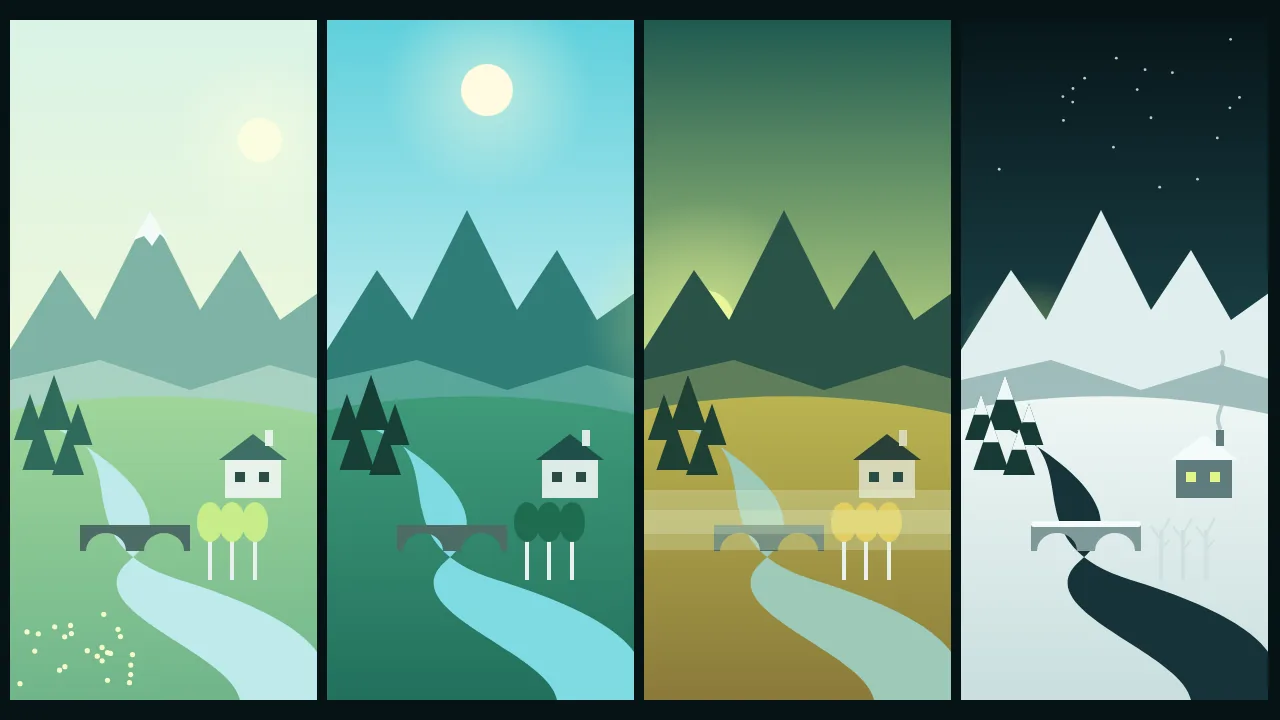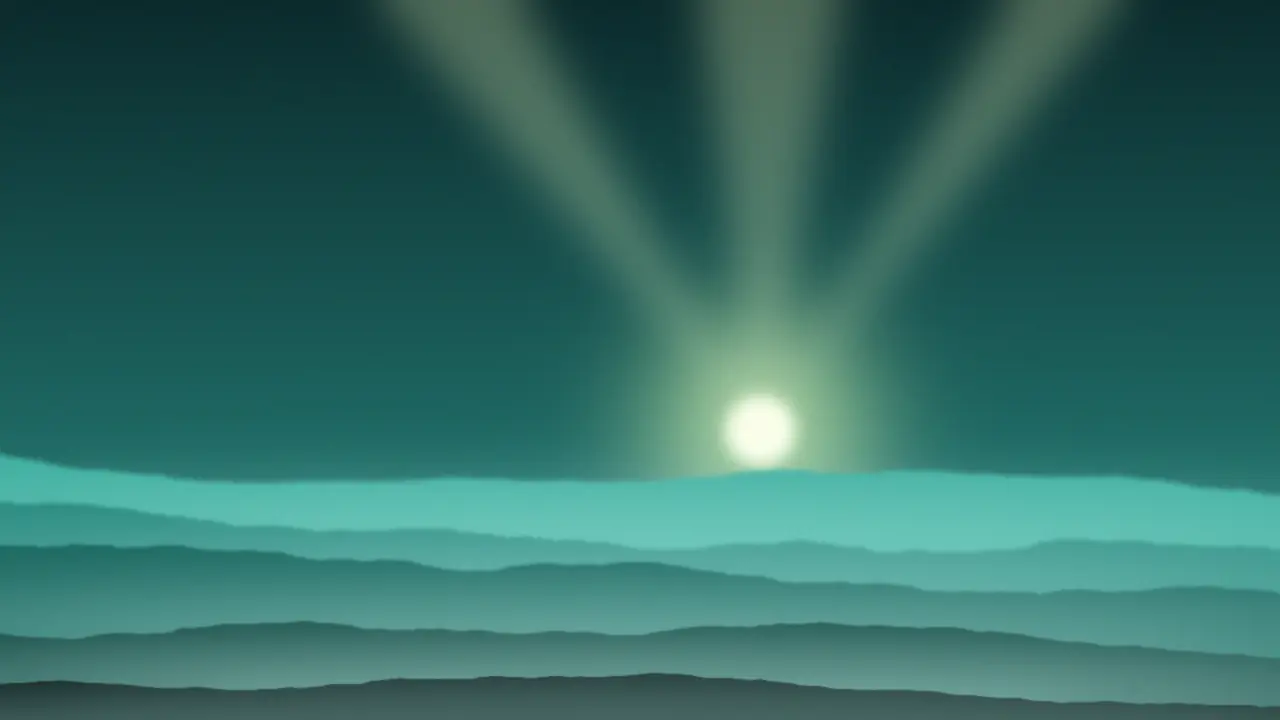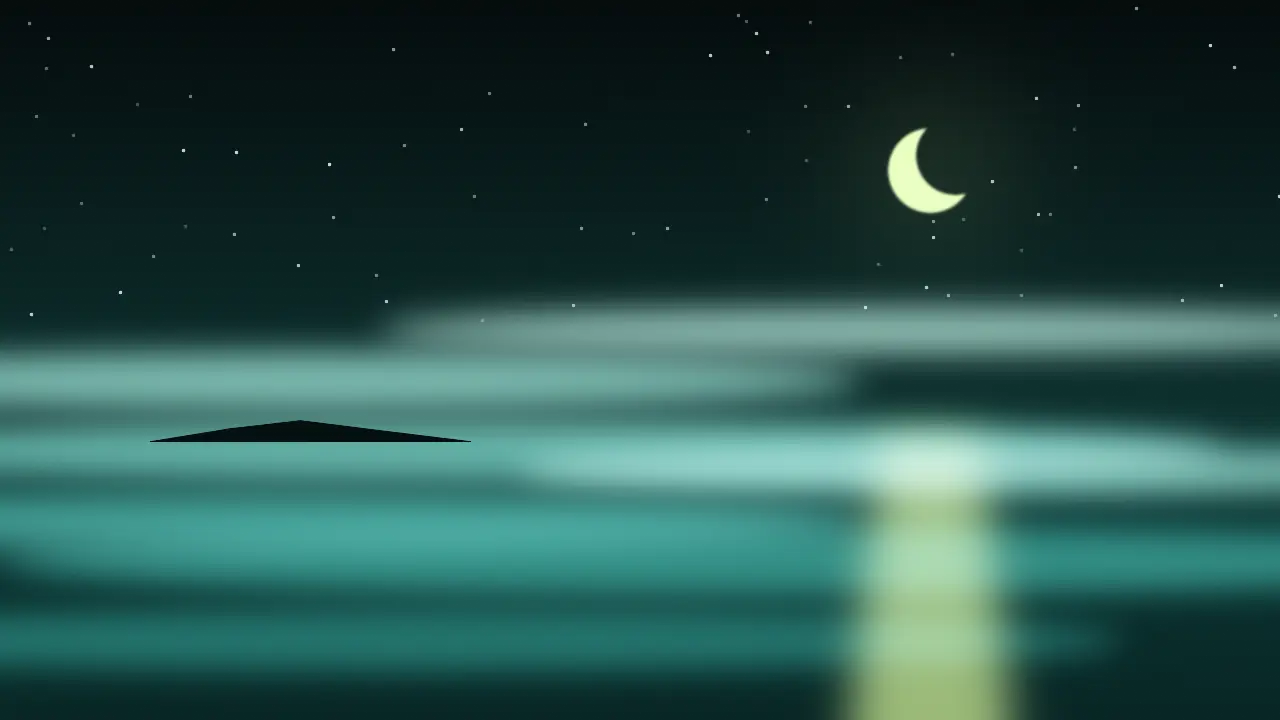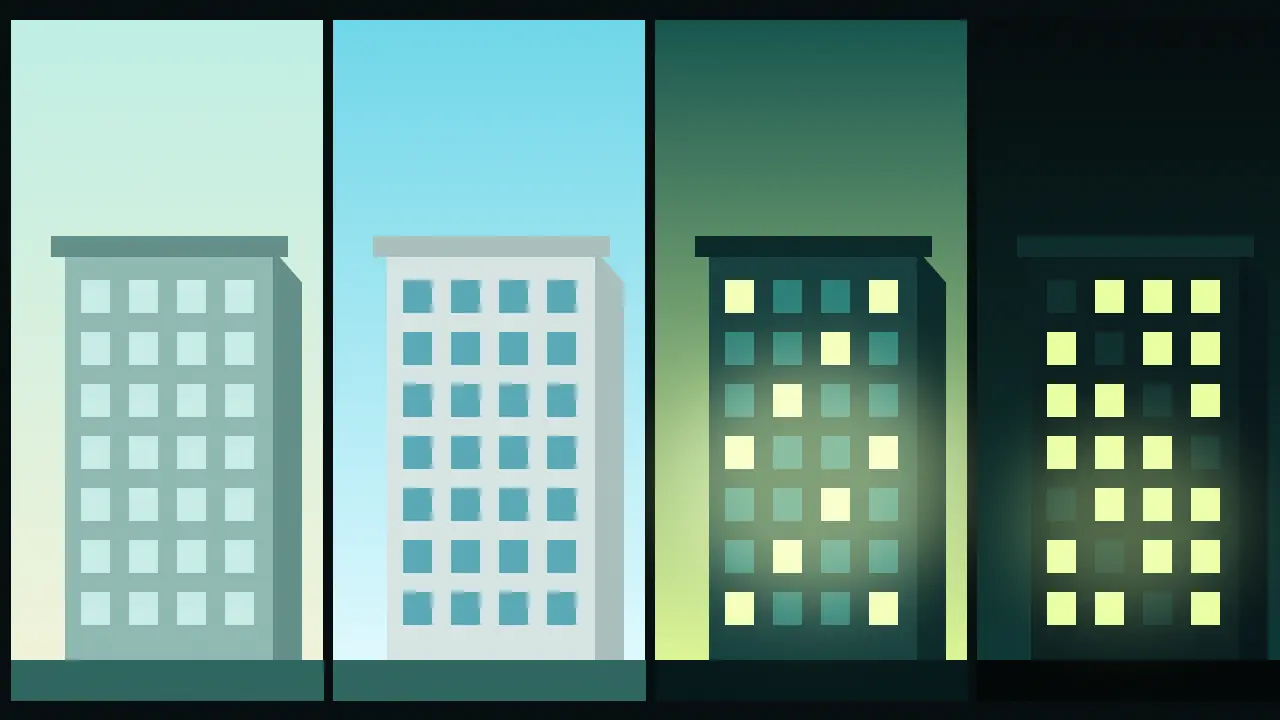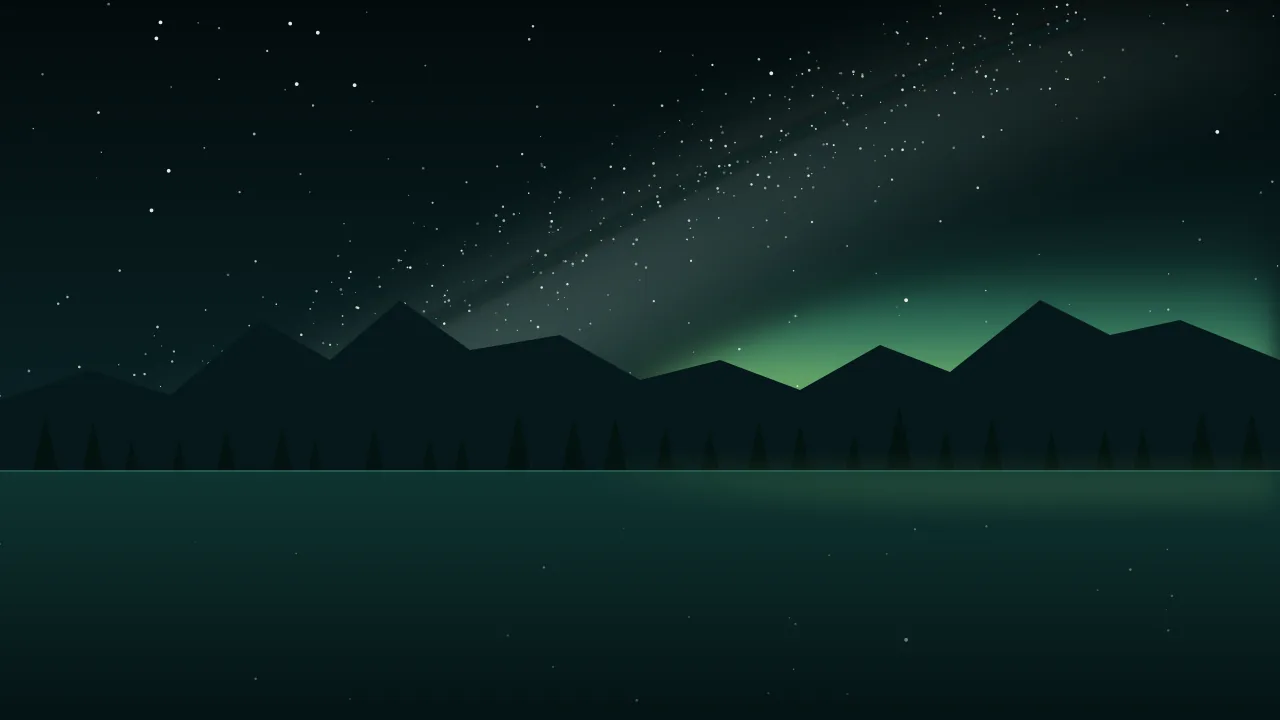
A night landscape is the one scene where the prompt has to decide almost everything. In daylight a model can fill gaps with a sensible sun. After dark it has no sensible default, so it reaches for the poster version: a sky packed with stars, a glowing Milky Way, an aurora for good measure and a foreground lit like a stage. This post is a way to build the night one layer at a time, so each of those things appears only because you asked for it.
Work from the top down: the sky, then the light, then the horizon, then the ground. Decide each layer in a few words before you write the next one.
Layer one: what the stars are doing
There are two different pictures hiding behind the word "stars", and models mix them unless you choose.
- Star field. Sharp points, a short exposure, the sky as you would see it from a dark site. Add "sparse" or "dense" to set the count, and "a few bright stars, many faint ones" to get the natural range of brightness instead of identical dots.
- Star trails. Concentric arcs from a long exposure, circling one point in the sky. They belong to a deliberate photographic look and they rule out a Milky Way, because the band smears into the arcs. Say "long exposure star trails circling the pole star" and nothing else about the stars.
- Twilight stars. Only the brightest few, in a sky that is still blue. Useful for a calmer, earlier night.
Layer two: the Milky Way, if you want it
The Milky Way is a band, not a cloud. Give it a direction and a position the way you would give a road: "the Milky Way rising diagonally from the lower left", "the bright core low over the right-hand peak", "an arch from horizon to horizon". The core is the brightest, dustiest part, with dark lanes running through it. Placing it over a landmark gives the picture a centre of gravity; leaving it unplaced usually puts it dead centre and vertical, which reads as a wallpaper.
Keep its colour modest. "Pale, faintly warm core, cool blue edges" looks like a night sky; "purple and pink galaxy" looks like a phone background.
Layer three: aurora, moonlight or neither
These three are the real choice of a night scene, and they exclude each other more than the poster versions suggest.
- Aurora. Name a shape and a colour. Shapes: a low arc along the horizon, curtains with vertical folds, a quiet diffuse glow. Colour: green first, with a thin red or violet upper edge only when the display is strong. One shape, one main colour. A bright aurora drowns faint stars and the Milky Way, so pick one hero for the sky.
- Moonlit. The moon is a light source, not an ornament. A full moon makes the landscape readable in cool silver-blue, casts real shadows and washes out most stars. Say where it is ("low moon behind the camera", "half moon high on the left") and let the shadows follow it.
- Moonless. The darkest night. Stars and the Milky Way at their strongest, the ground almost black, the shapes known only by their outline against the sky.
Layer four: the horizon
A real night horizon is rarely black. Two words handle most of it. Blue hour handoff: ask for "the last deep blue along the western horizon, first stars above" and you get the moment the day gives the sky to the night, a gradient that makes everything else look true. Light pollution glow: a warm orange dome over a distant town, low on one side. It is honest, it adds depth, and a small amount makes a remote place feel remote by contrast. If you do not want it, say "no light pollution, dark horizon".
Layer five: the ground, and where its light comes from
The foreground is where night renders most often look fake. Choose one of three honest options. A silhouette: trees, a ridge, a lone cabin, a rock arch, pure shape against the sky. Moonlight, if you chose a moon in layer three. Or a small named source: a lit window, a campfire, a headlamp beam on rocks, a tent glowing from inside. Anything else and the model will light the ground from nowhere.
A wide alpine lake on a moonless night, a dense star field with many faint stars and a few bright ones, the Milky Way core rising diagonally from the lower left over a dark jagged ridge, the ridge and pines in pure silhouette, the brightest stars reflected in still water, a faint warm glow of a distant town on the far right horizon, wide frameA snowy tundra valley at night under a low green aurora arc along the northern horizon, a few bright stars above it, one small wooden cabin with a single warm window, soft green light on the snow, otherwise dark, calm and coldA desert canyon under a full moon high on the left, cool silver light on the red rock walls, sharp moon shadows falling to the right, only a handful of bright stars in a deep blue sky, quiet and stillNoise and exposure words
Night photographs have a texture: a little grain in the shadows, slightly soft stars, a sky that is deep blue rather than pure black. "Long exposure", "high ISO grain", "deep navy sky" and "subtle noise in the shadows" push a render toward that look. "Clean", "crisp" and "illustration" push it away, toward the painted night. Both are fine, as long as the whole prompt agrees. A painted sky over a photographic ground is the mismatch people notice without knowing why.
Common failures, and the word that fixes each
- Too many stars. Every pixel of sky is a star, all the same size. Ask for "sparse" or "a few bright stars, many faint ones", and add a moon if you want fewer still.
- A fake-looking aurora. Rainbow stripes, neon pink, a curtain that looks like a fabric. Name one colour and one shape, and remove the word "vibrant".
- Lit foreground with no source. The meadow is evenly bright at midnight. Add a moon or a named lamp, or ask for a silhouette.
- Everything at once. Aurora, Milky Way, full moon and shooting stars together. Pick one sky hero and drop the rest.
- A centred, upright Milky Way. Give it a direction and an anchor in the landscape.
Test small, then commit
Star detail is the one thing a thumbnail hides, so judge the composition and the light first at a low resolution, and only render the keeper larger. The price shows on the Generate button before every run. A wide ratio suits most night skies; Nano Banana 2.1 offers very wide frames and its own page lists the sizes. The rest are in the catalog.
What the studio will not do for you
Models draw a night sky, they do not compute one. You will not get the correct constellations for a place and a date, the Milky Way will not sit where it really would in a given month, and the moon phase may not match the light it casts. For a mood picture that is fine. For anything that must be astronomically right, plan the sky in a planetarium app and treat the render as an illustration of it.
For the hours just before this one, the four-dial guide to prompting light covers golden and blue hour, and the weather and sky glossary has the cloud and mist words that sit well under a night sky. Then open the studio and try the lake prompt as it stands.
Questions
Why does my night sky always come out full of stars?
An open dark sky is an invitation. Say how many (sparse, a handful of bright stars) or add a moon, which brightens the sky and hides the faint ones, as it would in reality.
Can I have the Milky Way and an aurora in the same picture?
You can, and models will happily draw both, but a bright aurora washes out the Milky Way in a real sky. Let one lead and keep the other faint, or the picture reads as a collage.
How do I light the foreground at night without it looking fake?
Give the light a source: a moon with a stated position, a lit window, a campfire, a lamp. Or leave the ground as a silhouette, which is often the stronger picture.