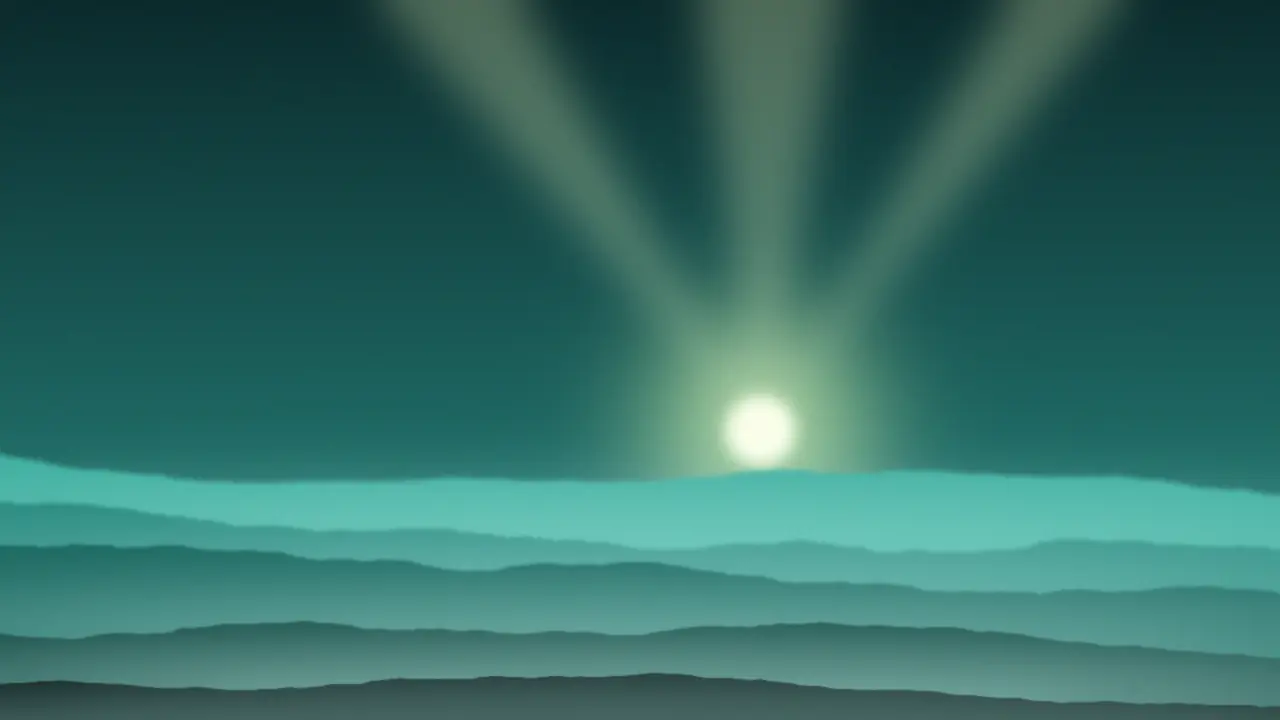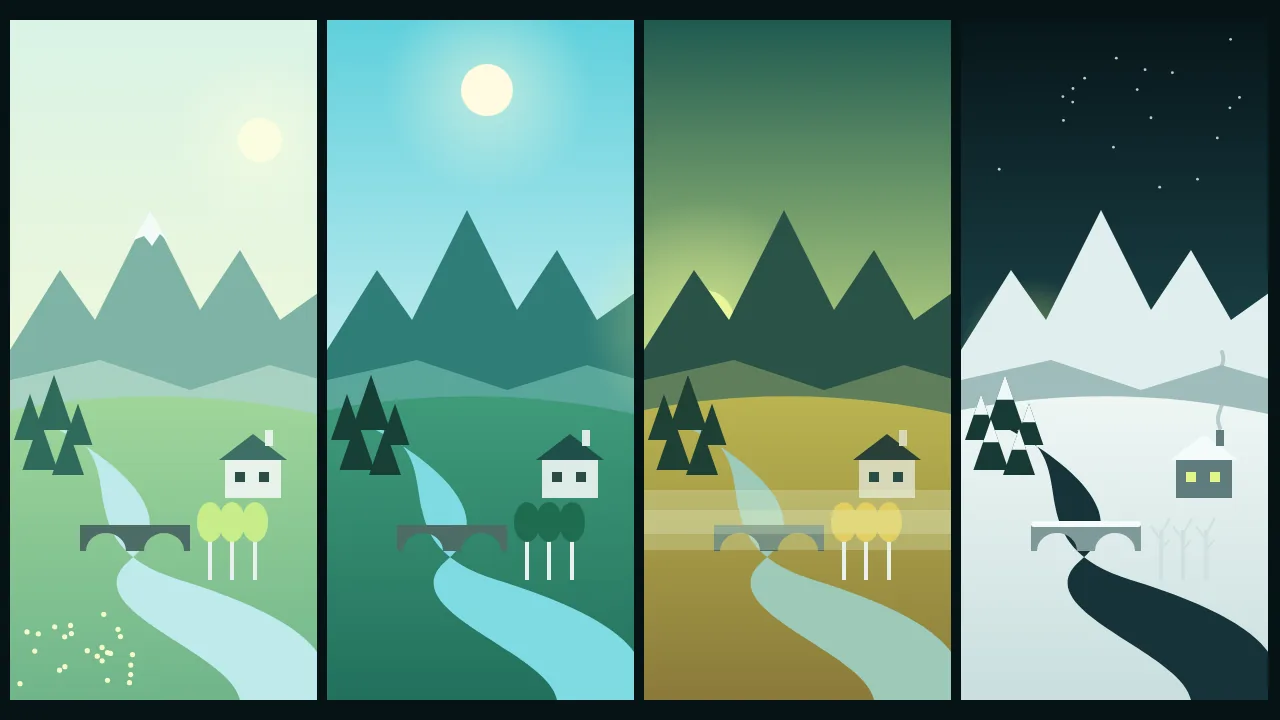
A calendar, a game map, a book with one chapter per season, a client who wants to see the garden in every month of the year: they all ask for the same thing. One place, recognisably the same place, four times. Generating four separate landscapes from four prompts never gets you there, because every render invents a new ridge and moves the river. What works is one base picture and four edits of it. Here is that workflow, done on a single valley, with the parts that went wrong on the way.
Build a valley worth revisiting
The base image is the only real design decision, so put landmarks in it on purpose. A season changes colour and cover; landmarks are what let the eye say "same place" anyway. Give the valley a distinct ridge silhouette, a river with one clear bend, a stone bridge, one building and a few trees you could count. Mix tree types too: a grove of evergreens next to deciduous ones gives autumn and winter something to change and something to keep.
Render it in late summer under a high, slightly hazy sun. Full leaves and neutral light are the easiest starting point to move away from in either direction. A model with firm composition control such as Flux 3 suits this; pick a wide ratio and try several small drafts before you settle.
A wide green valley seen from a low hill, a jagged ridge with three peaks along the horizon, a river curving once from left to right, an old stone bridge with two arches, a small farmhouse with a chimney on the right bank, a grove of dark pines on the left slope, three lone birch trees near the bridge, late summer, high hazy sun, landscape photograph, no peopleWrite the lock list once
Before the first edit, write one sentence that names everything that must survive the year, and paste it unchanged at the start of every season prompt. Changing its wording between seasons is the quiet way to get four slightly different valleys.
Keep the camera position, the horizon height, the three-peak ridge, the river and its bend, the two-arch stone bridge, the farmhouse, the pine grove and the three birch trees exactly where they are.What each season is allowed to change
Switch to Flux 3 Image Edit. Upload the base picture, leave the aspect ratio empty so the result follows your input, and add the lock list followed by one season. Each season moves four things: foliage, ground cover, the height of the sun and the palette.
- Spring. Pale, thin new leaves on the birches, wildflowers in the meadow, the river high and fast with meltwater, a little snow left only on the highest peak. Soft light from a sun that is still fairly low, cool fresh greens.
- Summer. Your base, or a stronger version of it: dense dark leaves, short shadows straight down, warm haze over the far ridge.
- Autumn. Birches gold, meadow rust and straw, pines unchanged. A lower sun from the side with long shadows across the slope, morning mist lying in the river bend.
- Winter. Birches bare, snow on the ground, the roof and the bridge, the river dark and partly frozen at the edges, a thin line of smoke from the chimney. Low sun, blue shadows, a pale sky.
[lock list]. Change only the season to deep winter: bare birch branches, fresh snow on the meadow, the farmhouse roof and the bridge parapet, the pines dusted with snow but still dark green, the river dark with ice along its banks, a thin line of chimney smoke, low winter sun from the left, blue shadows.Edit the base every time, never the previous season. Autumn made from summer is fine; winter made from autumn made from summer carries every small shift forward, and by then the bridge has a third arch.
Catch the drift
Put the four results side by side in your library at thumbnail size and flip between them. Movement you would never spot in one picture jumps out when two of them swap in place. Then count:
- Ridge. Three peaks, same outline. Snow and mist both soften it, so check winter and autumn hardest.
- Bridge. Two arches, same spot on the river.
- River bend. Same curve, same width. Spring floods often widen it; ask for "the river within its usual banks" if that is not what you want.
- Trees. Three birches, a pine grove that has not grown or shrunk.
- Horizon. Same height in the frame. A creeping horizon is the sign the camera has moved.
One failed item means re-roll that season. Two or more mean the season sentence is doing too much: cut it back and keep the lock list as it is. The prompt expansion switch in the advanced settings is better left off here, because you want your exact words, not a richer version of them.
Finals, and an optional fifth step
Explore at the lowest resolution tier and only re-run the four keepers at a higher one, from the base again with the same prompts. The price shows on the Generate button before each run. If you want motion, Flux 3 start and end frames takes one picture as the first frame and another as the last, so autumn to winter can become a short clip of the valley turning white.
What this will not give you
The model knows what seasons look like in pictures, not how a particular place behaves. It will not tell you when the larches turn in your region, how deep snow lies on that slope or whether that river ever freezes. A clip between two seasons is a smooth visual blend, not a time-lapse of real change. For a mood board, a book or a game it is more than enough; for a planting plan, ask a gardener.
The vocabulary for each season's sky is in weather and sky words for AI landscapes, and if you need the same place at different hours rather than months, the sister workflow is relighting one image from dawn to night.
Questions
Can I start from my own landscape photo instead of a generated one?
Yes. The edit model takes an uploaded image, so a photo you took works as the base. Use only pictures you have the right to use, and run the same drift checks.
Why does winter keep changing my ridge?
Snow covers edges, so the model redraws them. Put the ridge in the lock list by its shape, for example three peaks, and re-roll any version where the outline moves.
Should I describe the season or upload a reference for it?
Describe what changes, and add a reference only for colour. A reference photo of a whole winter scene tends to bring its own hills and houses with it.